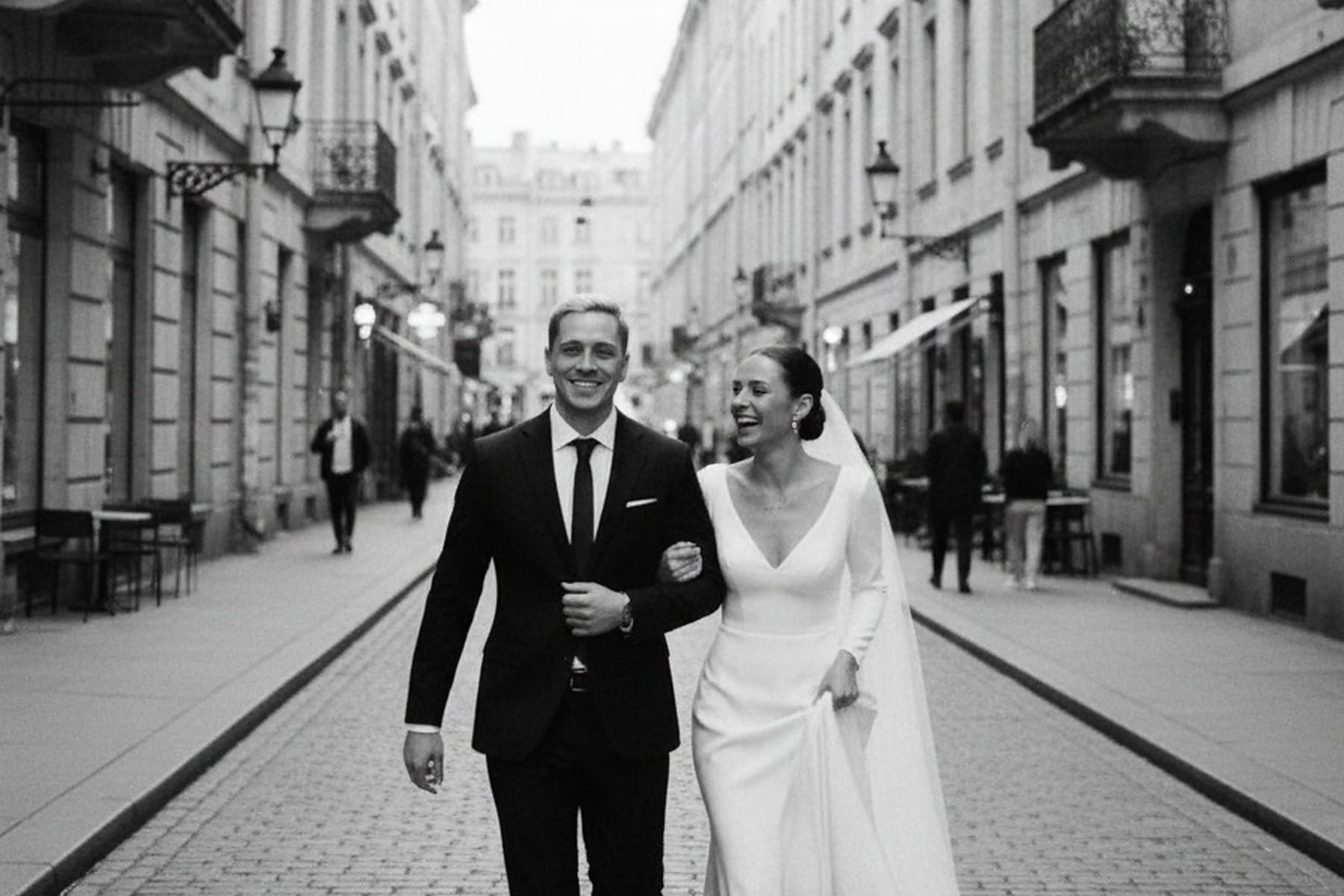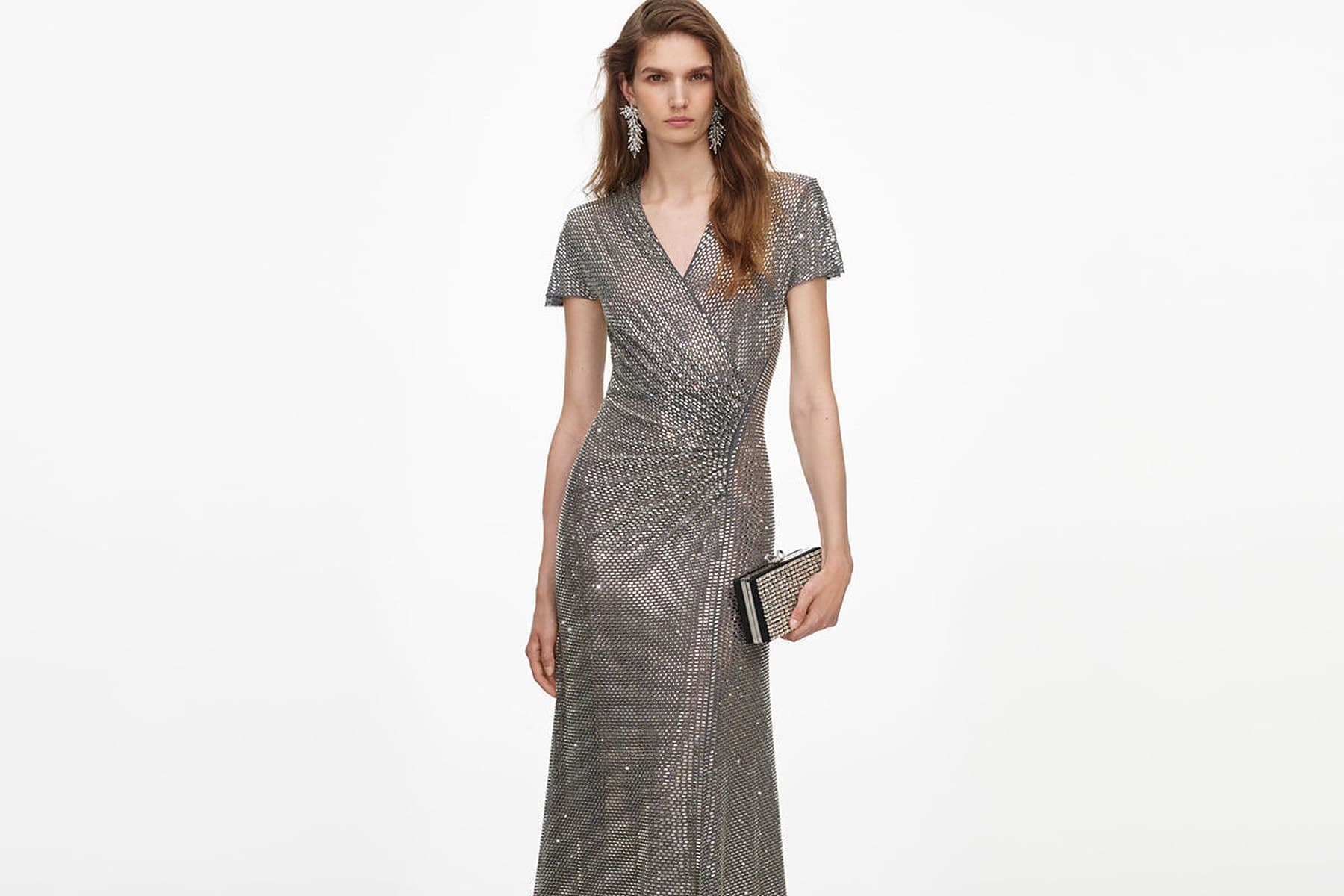
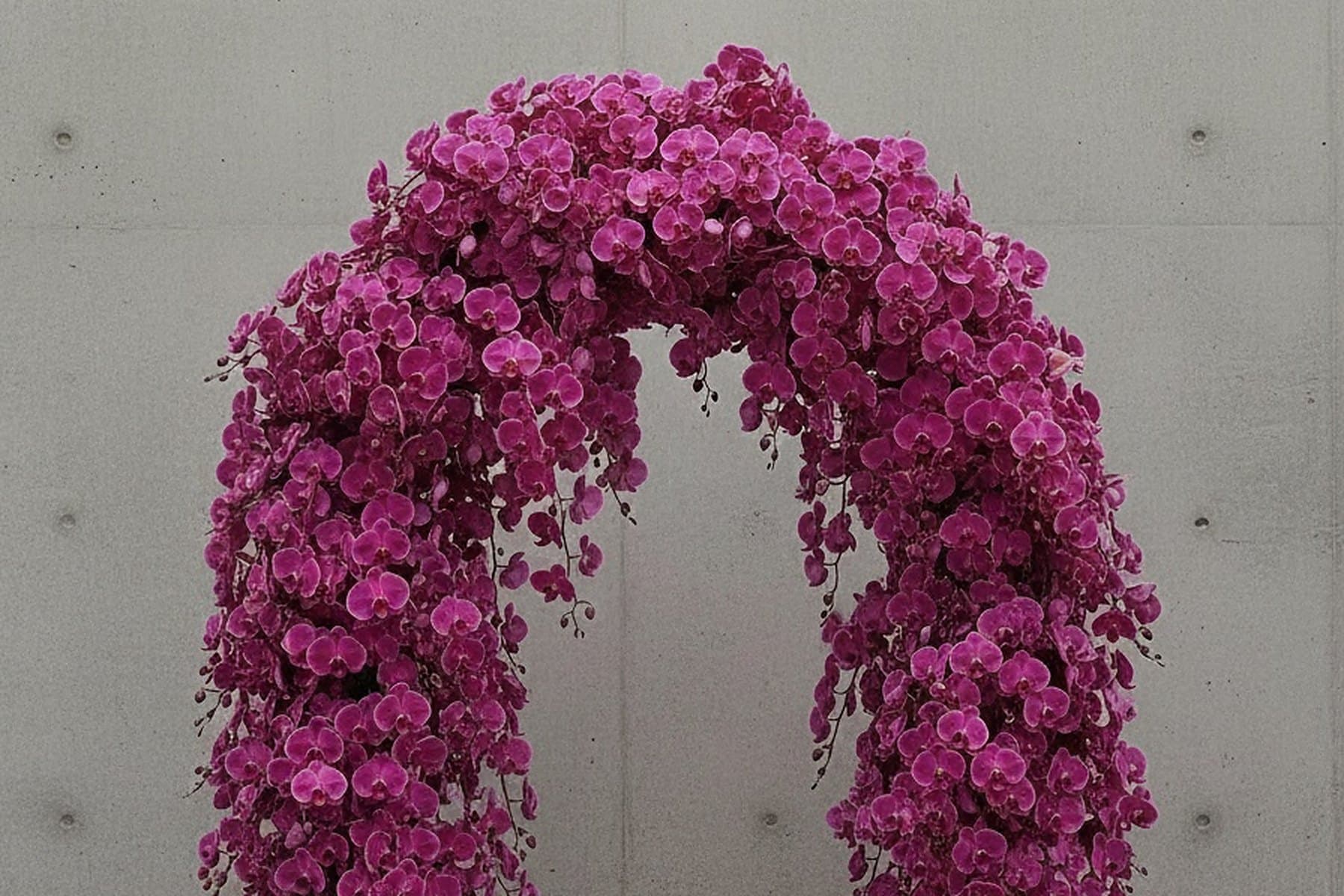
It is one of the first questions couples ask once they start using a planning app: can it connect to Pinterest? Usually there is a board of four hundred pins behind the question, saved over months, and the hope that something could pull them in and make sense of them. The short answer for UNSTAGED is no. There is no connection to your Pinterest account, no board import and nothing that syncs. That is broadly how the category works: wedding planning apps take images in one at a time, from the phone's share sheet or an upload, not as a board that follows your Pinterest account. It turns out to be less of a loss than it sounds.
What works: one pin at a time, from the share sheet
On iPhone
Open the pin
In the Pinterest app or in Safari.
Share it and choose “Save to UNSTAGED”
If it is not in the row of apps, scroll to the end of the row, tap More and switch it on.
Choose where it goes
One of your moodboards or Decor ideas. When you share images, you can also start a new board from the same sheet.
A pin shared as a link is saved as the pin's image: UNSTAGED reads the image from the page and keeps a copy of it on the board. The link itself is not kept, so if the pin leads to a shop or a supplier, write the name down where you will find it again. If a page will not give up its image, share the image instead, from Photos, where up to six can go at once. On a computer, images go onto a board with “+ Add Images”, from a file.
Do not move four hundred pins. Choose twenty
A board of four hundred pins is not a plan waiting to be imported. It is a record of everything you liked over a few months, most of it for a few seconds. Moved across whole, it would be the same four hundred images in a different place, still undecided. The useful work is the edit, and it takes an evening.
Culling a board into a direction
Scroll it once, quickly
Without stopping. Note the images you stop on without meaning to. It is usually fewer than forty.
Find what they share
The light, the colour, the materials, how formal the table is, how much green there is. Write three words for it. If the forty pull in two directions, that is your first decision, not a problem.
Cut to twenty
Keep the images that show the three words most clearly. Drop the near-duplicates and anything you saved because it suited someone else's wedding.
Save the twenty, one by one
Onto one shared moodboard. Twenty shares take a few minutes, and choosing each one is part of the edit.
Leave the board where it is
Pinterest is a good place to keep looking. The moodboard is where you stop.
Four hundred pins is a mood. Twenty images and three words is a direction a florist can quote against.
Twenty is enough to brief a florist, a stylist and a stationer, and few enough that both of you can hold it in your heads. In UNSTAGED the moodboard is shared, so the edit is made by two people looking at the same twenty images rather than by one person sending the other links.
The images you save from your phone land on a shared moodboard in UNSTAGED.
No app will make sense of four hundred pins for you. Choose twenty, save them where both of you can see them, and the board has done its job.
— The UNSTAGED Studio
Planning your own wedding? Try UNSTAGED free for seven days.
Start free trial